
Guide
How to run a paid sports picks Discord
A sports picks server sells your read on the games: the plays you like, the reasoning, and a record members can check. Here’s what members pay for, how to lay out the server, how to price it, and how to take payments without handing out roles by hand.
What members pay for
- Daily picks
- Your plays for the day, posted early enough to act on, with the line you took and why.
- A record they can check
- Every pick tracked, wins and losses, so members can see how you’ve actually done. This is what makes people pay, and stay.
- Props and specialties
- A sport, league or bet type you know better than most: player props, a conference, a niche league.
- Live updates
- In-game reads and changes as the game goes, for members who are watching with you.
- Community
- Sweating the games together with people who follow the same sports.
How to lay out the server
Keep a free side and a paid side. The free side is where people find you and see what they’d get; the paid side is what they buy. Put the paid channels in one category and lock it to a paid role: View Channel off for @everyone, on for the role. How to set up a Discord paywall
Free channels
- #announcements, where you post the membership
- #free-picks, one free play a day or a week
- #record, every result, posted openly
- #general, to talk games
Paid channels
- #vip-picks, every play, as it’s posted
- A channel per sport or league if you cover several
- #live, in-game updates
- A voice channel for big games
How to price it
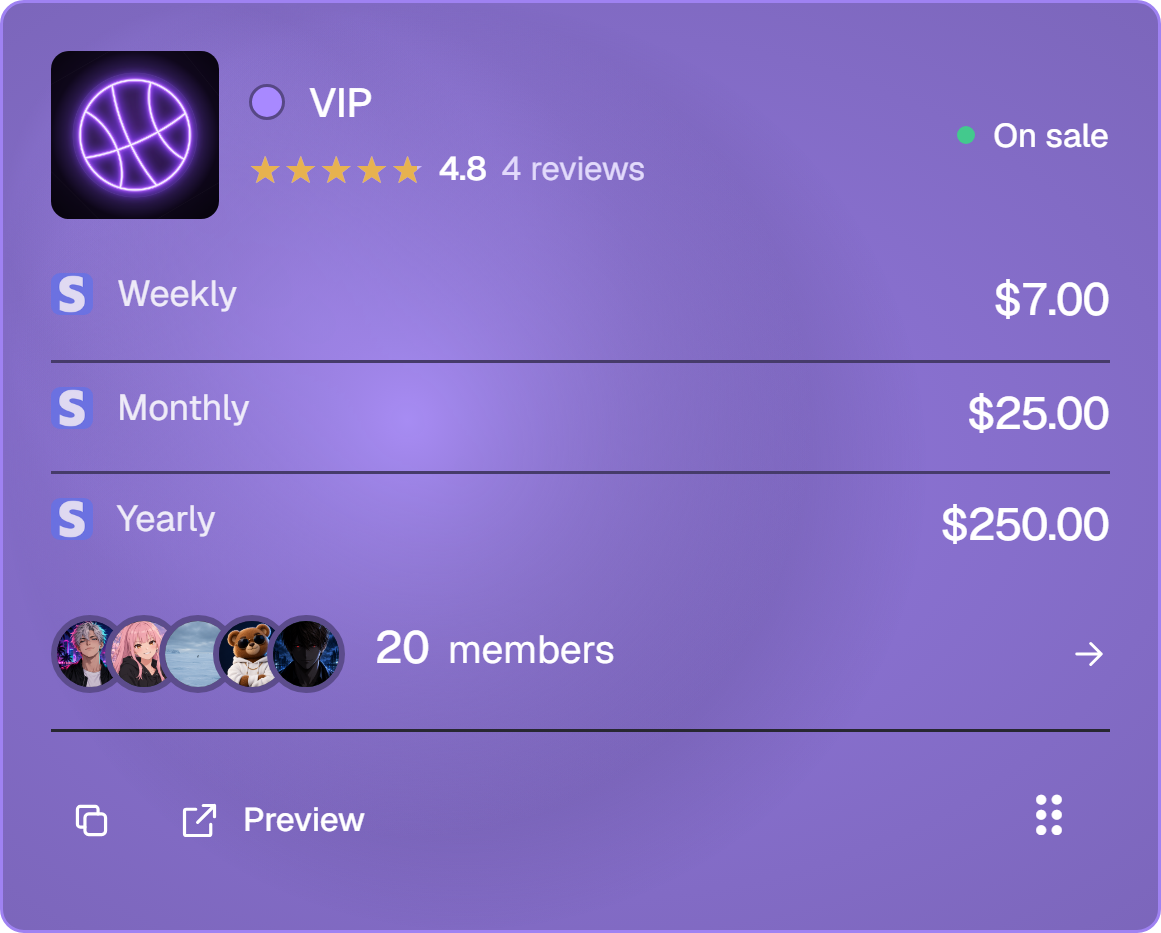
Most picks servers sell weekly and monthly access. Weekly suits people who join for one big week or event; monthly suits the regulars; a yearly price rewards members who stay all season. You can put all three on one role. Create a membership
A short free trial or a sale price helps around big events, when the most new people find you. A promotion code works well for giveaways and partners.
When you raise your price, members already paying keep theirs. Change a price
Keep it above board
- Sports betting laws and age limits differ by place; make clear your picks are opinions, and check what applies where you and your members are
- Never promise guaranteed wins, and post every result, not just the winners
- Point members to responsible gambling help in your rules or info channel
- Keep payments and access automatic, so nobody keeps the picks after they stop paying
Taking payments with Lance
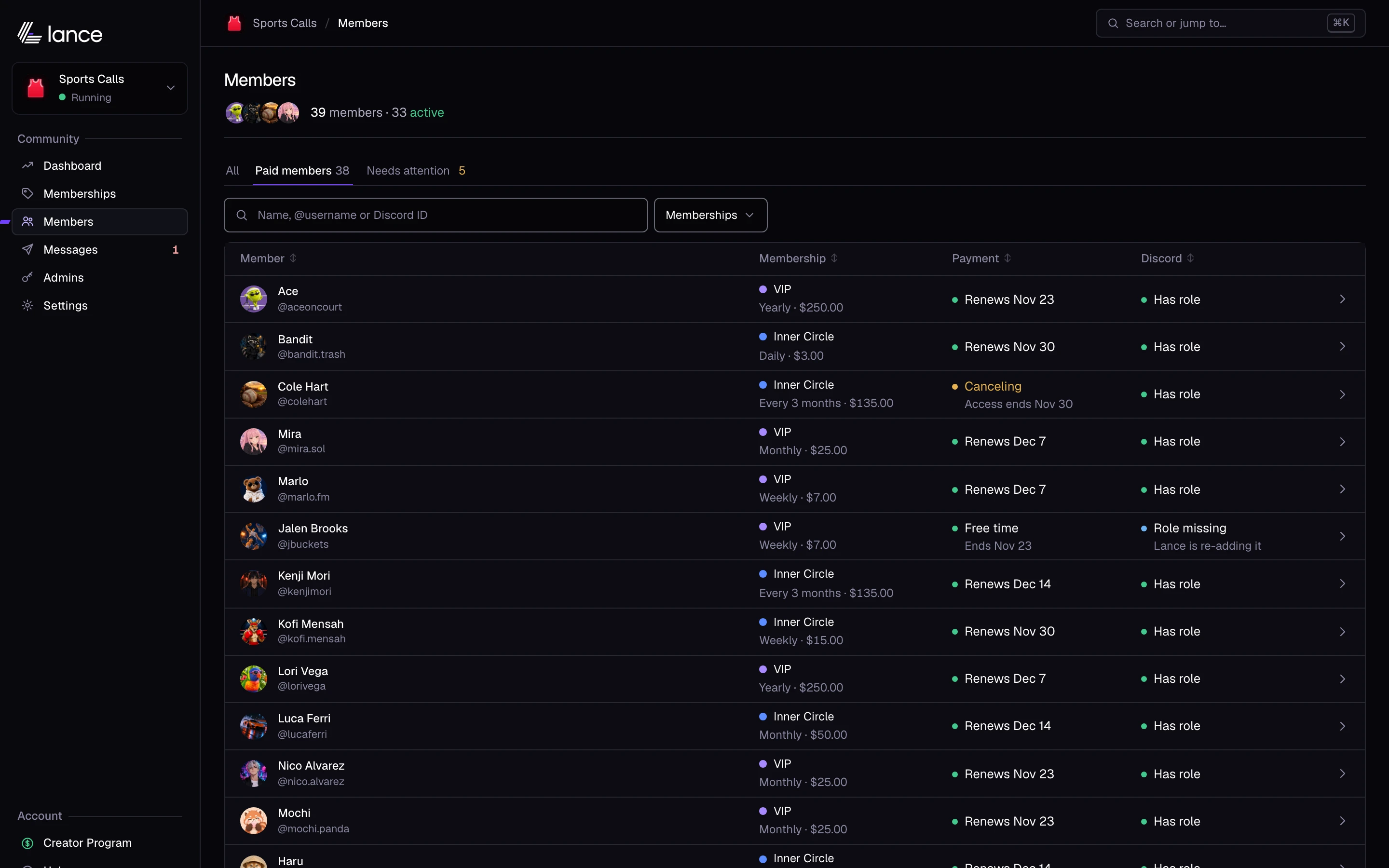
Lance sells your paid role inside Discord. Put a price on it with /create, post it with /post, and members press Get access and check out privately without leaving your server. The money goes straight into your own Stripe account, Lance gives them the role, and removes it when their paid time runs out. It’s free to use, with 2.5% per sale plus Stripe’s fees. The full setup, step by step
“Super cool platform - would 100% recommend. The team helped me set up my server in under 10 minutes.”
 @dpolo.23DRP Trading, on Lance
Weighing other ways to take payments? See the best Discord bots for paid memberships.
Questions
- How do I get my first paying members?
- From your free side. Post free picks and your full record where people can see them, share your join page on your socials, and post the membership in your free channels with
/post. Share your join page - Can I charge by the week?
- Yes. With Lance you can sell weekly, monthly, yearly or custom periods on the same role, or a single payment for permanent access.
- What happens if a member’s card fails?
- Stripe retries it, and the member keeps their role through your grace period while it does. If it never goes through, Lance removes the role. The grace period
- Can I give a few people free access?
- Yes, from their member page in the dashboard, for a set time or until you remove it. Give a role for free
More guides: how to monetize a Discord server, how to make a paid Discord server, or see every guide.